Want to add a button of my site to your site? Why thank you! Hotlink it or not, I don't care with the little bandwidth I currently get.
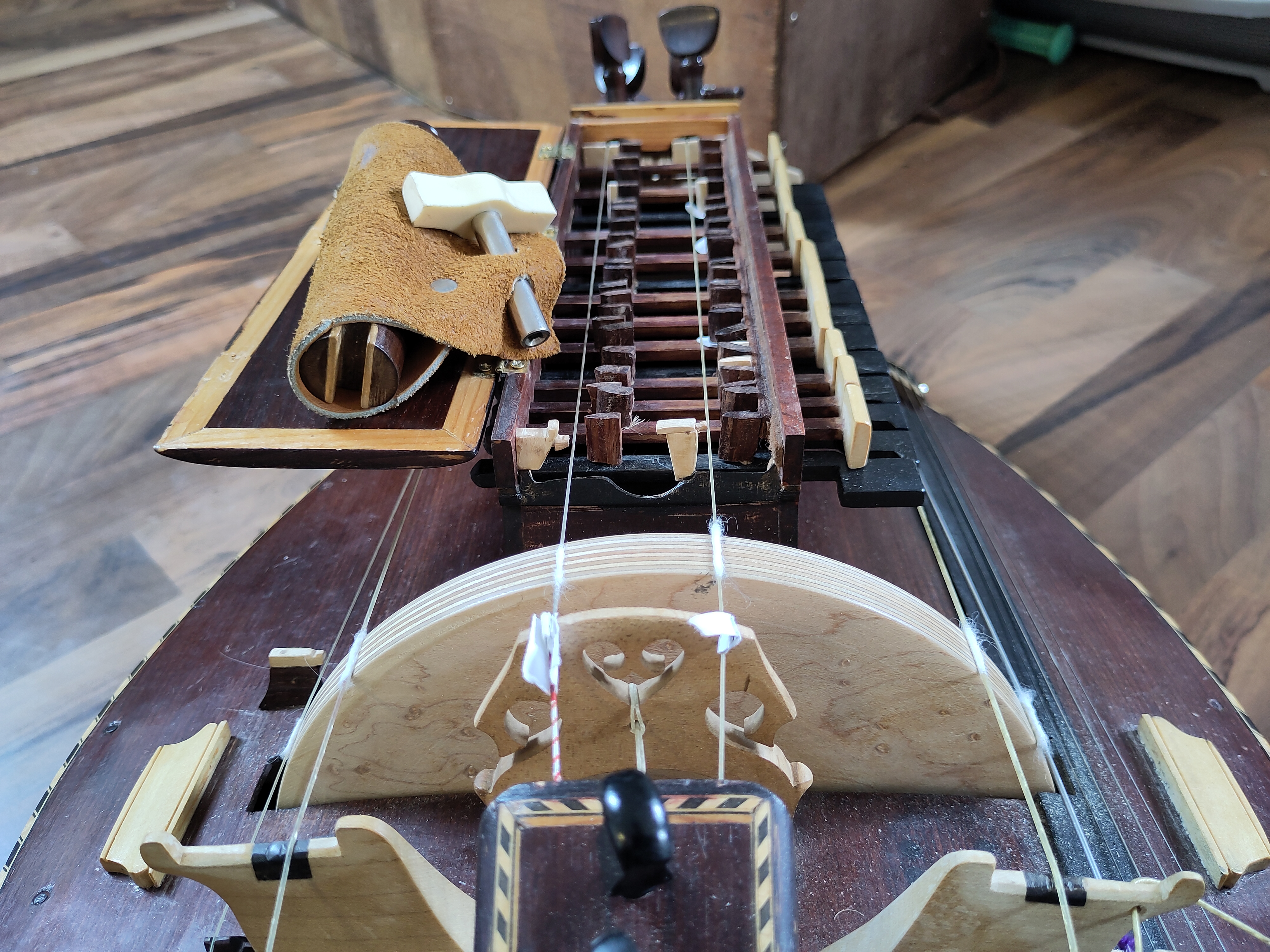
<img src="https://crota-gurdy.neocities.org/POVCrank.jpg" aria-label="Grab button for crota-gurdy.neocities.org" width="100px" height="75">
</a>

<img src="https://crota-gurdy.neocities.org/hurdygames_button_smol.png" aria-label="Small grab button for crota-gurdy.neocities.org" width="88px" height="31px">
</a>
Funfact
The notes on my small button are the initial "dum dum dum duuum" of the Helldivers 2 Soundtrack "A Cup of Libertea"

<img src="https://crota-gurdy.neocities.org/crota-gurdy_navlink_anim.gif" aria-label="Grab GIF showing 'Gurdy! Games! Dogs!' as text and a picture each lighting up in sequence (A hurdy gurdy, a PS1 controller, a black dog holding a plush-piza), followed by a dog with glasses jumpscaring the GIF area">
</a>
There's this cute counter that visitors can click to show that they visited. It's supposed to save server-side, I think (frankly, anything else would be silly), but either I'm too stupid to make that work or Neocities' free tier restrictions make it impossible (I read something about not being able to execute server-side scripts with the free tier?). But maybe it'll be useful to one of you, so I'll throw it in here.
button {
border: none;
padding-top: 10px;
padding-bottom: 10px;
color: white;
font-weight: bold;
width: 200px;
margin-bottom: 5px;
border-radius: 5px;
}
#increment-btn {
background: darkred;
}
#save-btn {
background: darkgreen;
}
button:hover {
opacity: 0.8;
cursor: pointer;
}
let countEl = document.getElementById('count-el')
let count = 0
function increment() {
count += 1
countEl.textContent = count
console.log("click")
}
<h1>People entered:</h1>
<h2 id="count-el">0</h2>
<button id="increment-btn" onclick="increment()">INCREMENT</button>
If you want to implement a bit of text that gets randomly picked from a list of texts when you (re-)load the page, this is one way to do it. Found this solution here when I wanted to make a random quote generator/picker for my department's Confluence page at work.
var randomMeText = [
"a Quality Manager",
"a Gamer (derogatory)",
"a silly goose",
"a forgetful idiot",
"a maybe-potentially genderfluid thing",
"okay at many relatively useless things",
"gaming too much",
"not practicing hurdy gurdy enough",
];
var randomMeIndex = Math.floor(Math.random() * randomMeText.length); //Set the variable by rounding down the number of: Random Number 0-1 times the amount of items in the randomMeText list
document.getElementById('randomMe').innerText = randomMeText[randomMeIndex]; //Set the text of the elementID randomMe to be whatever the variable value of randomMeText with the randomMeIndex is
<span id="randomMe"></span>